PAUD Connect
Overview
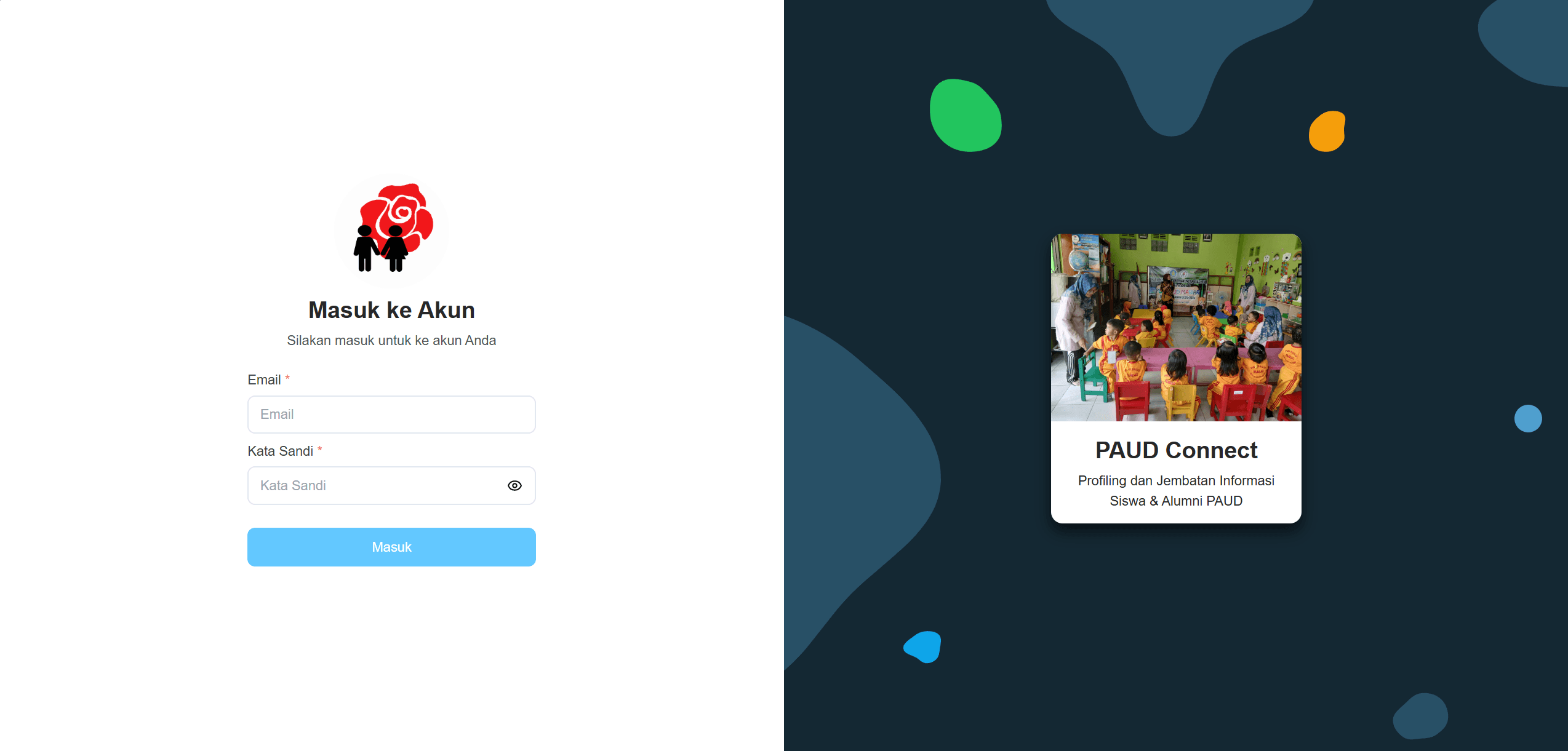
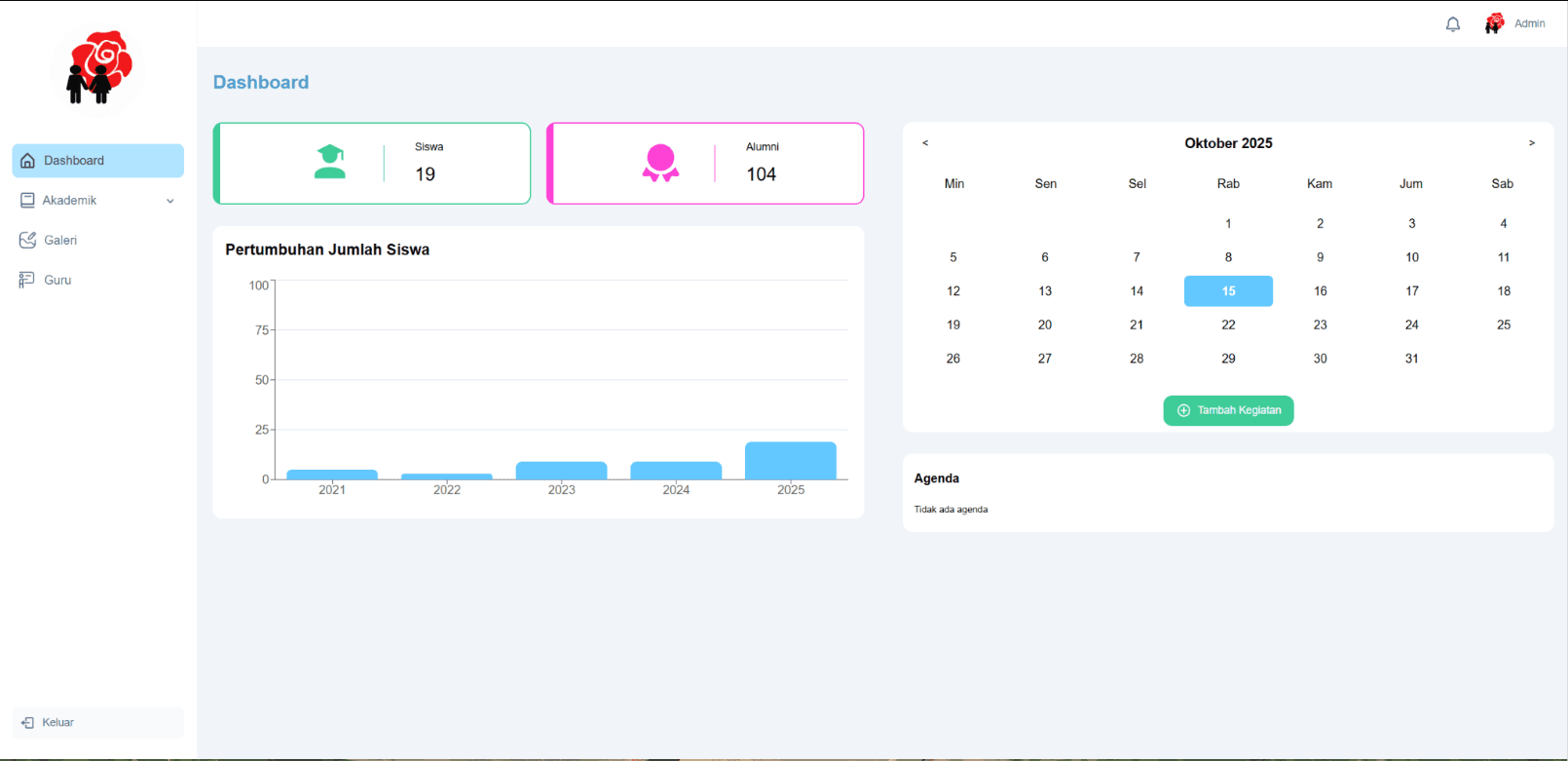
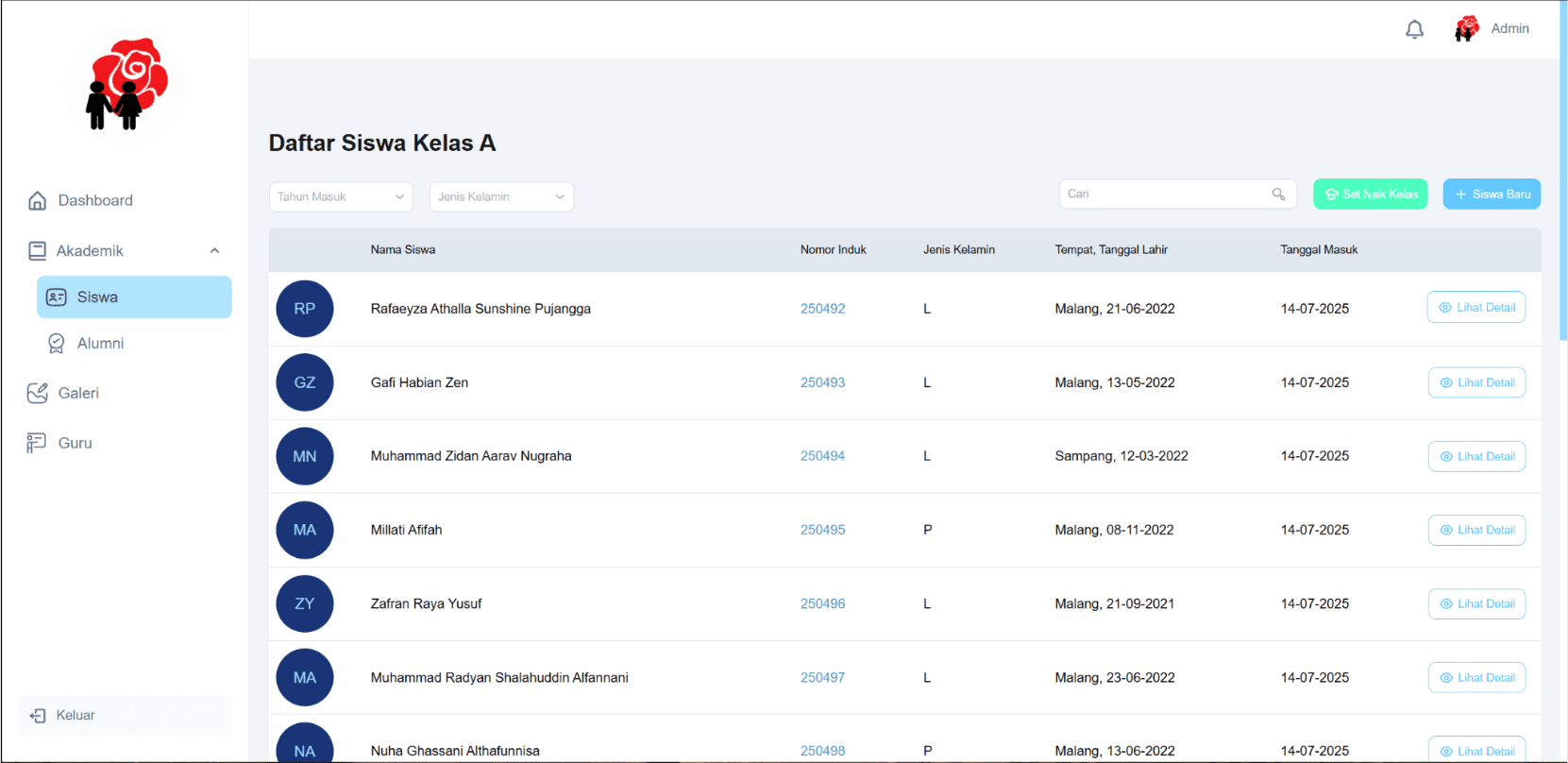
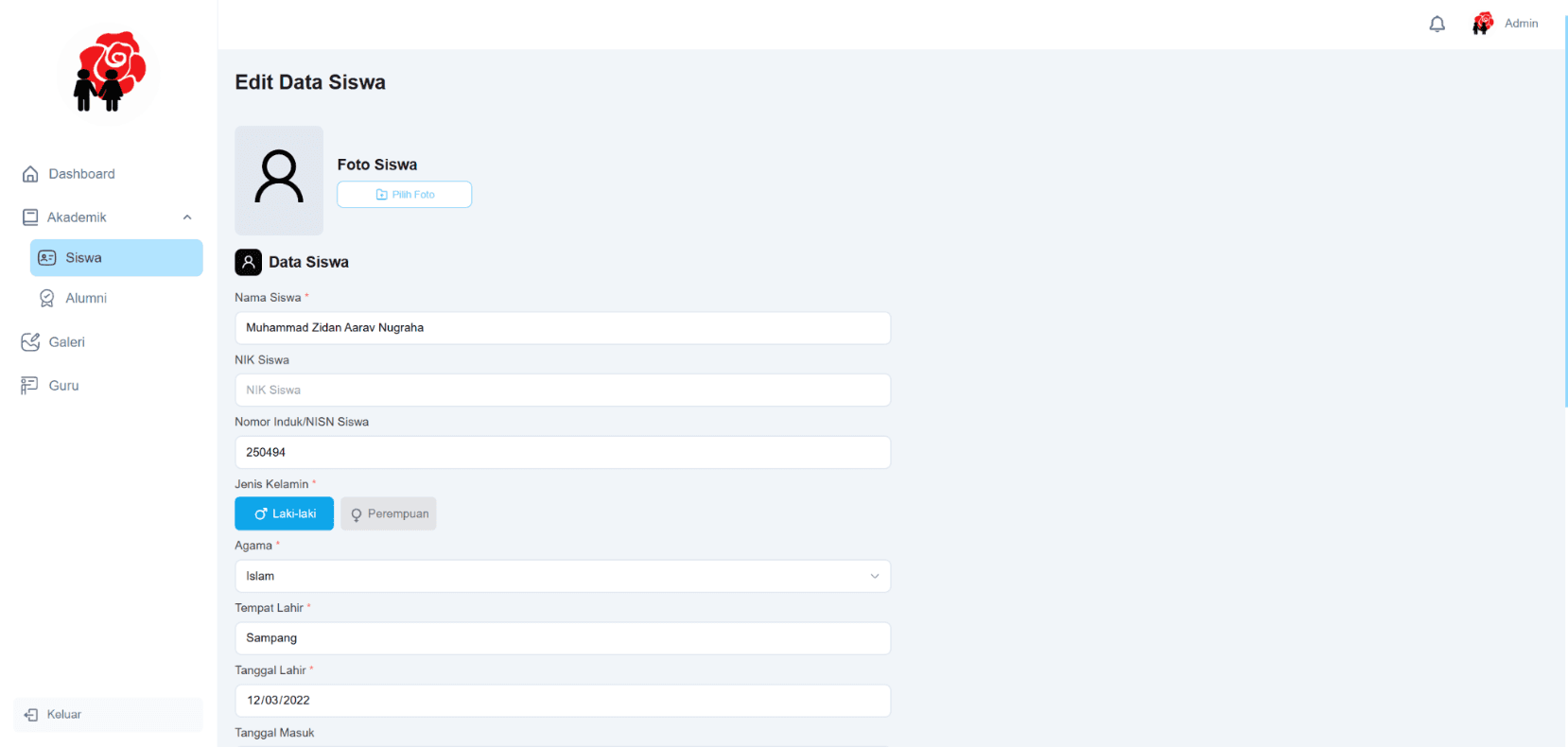
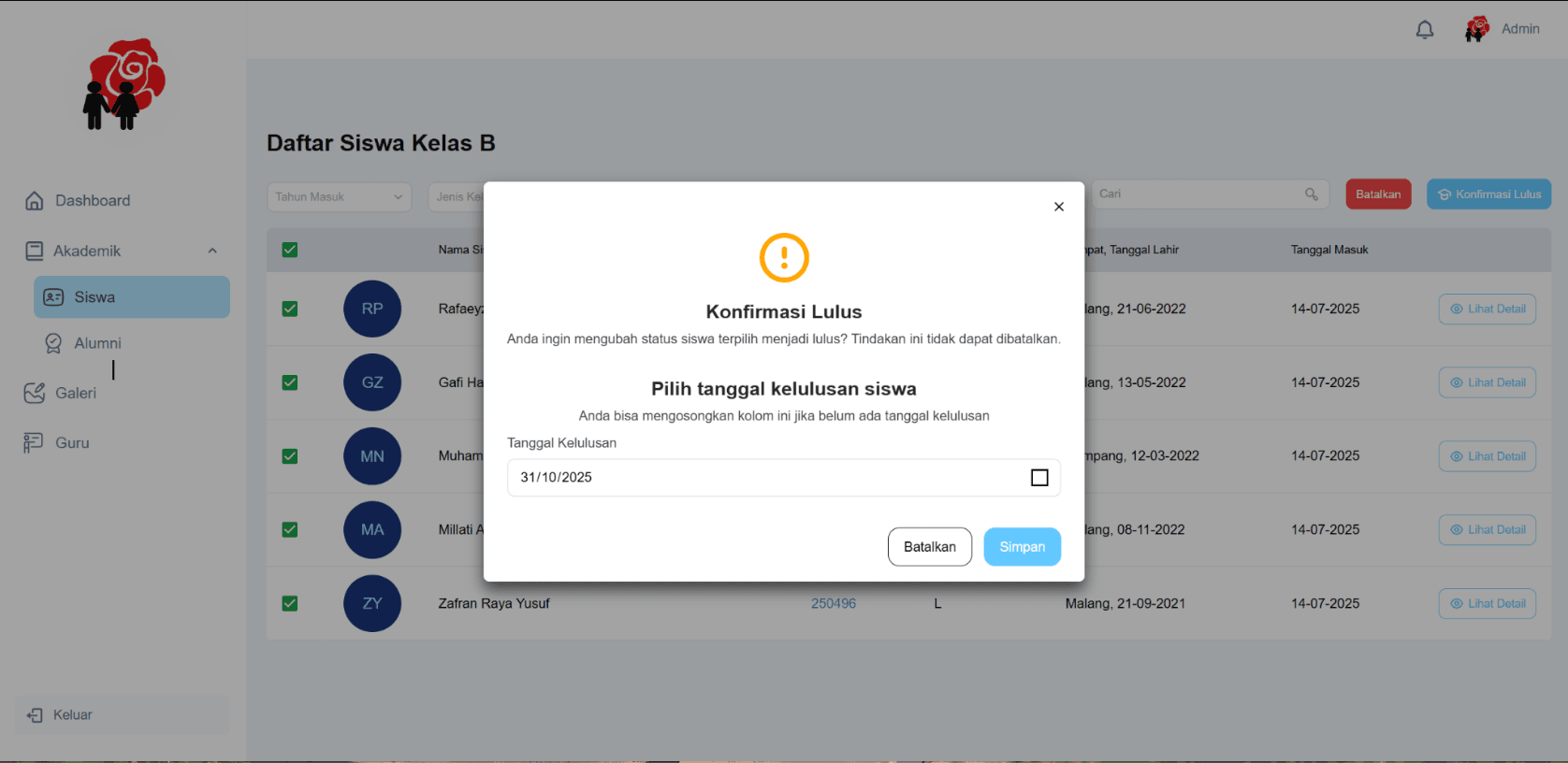
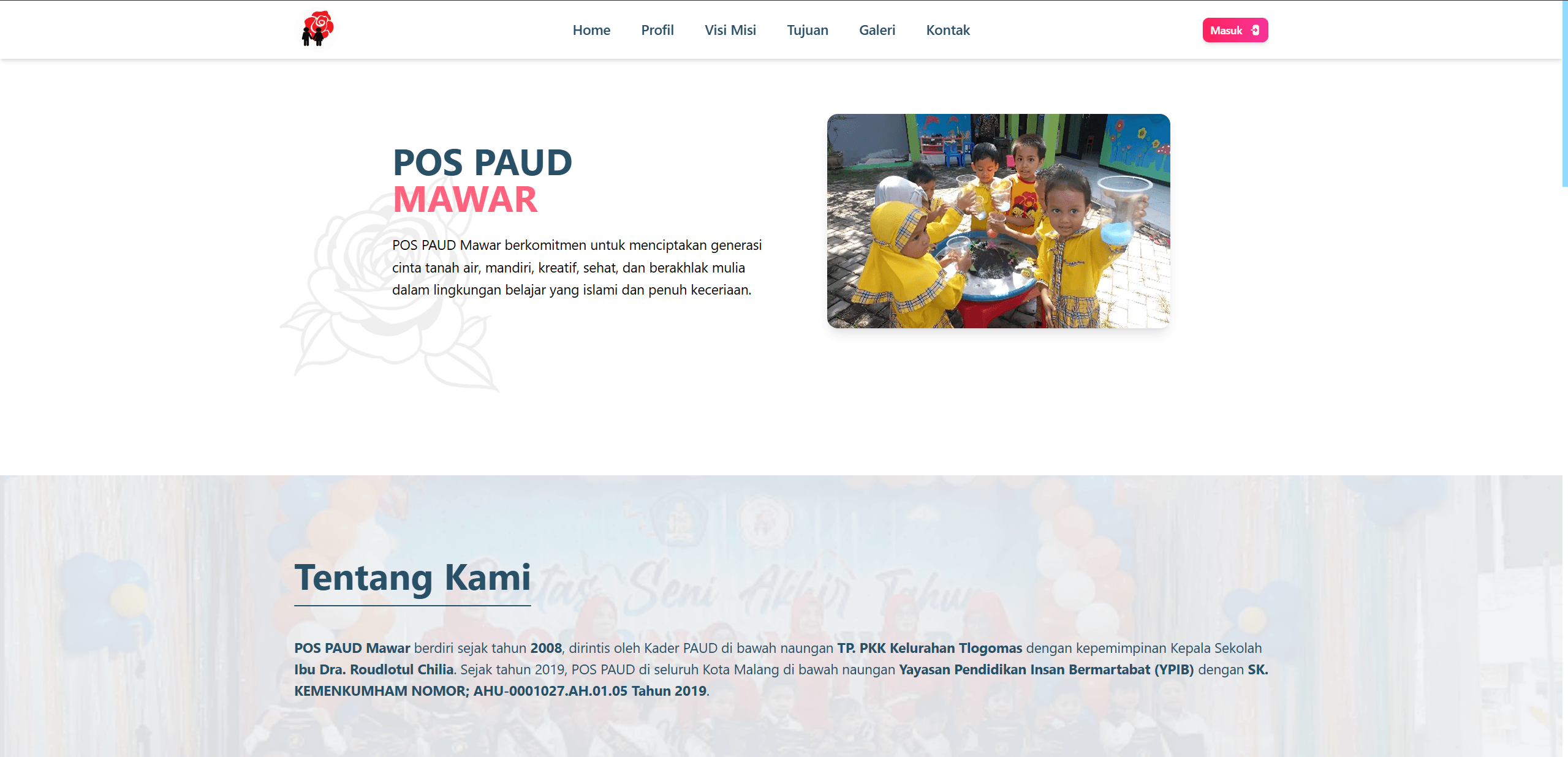
PAUD Connect is a web-based information system built for PAUD Mawar Tlogomas kindergarten as part of a community service project at Universitas Brawijaya, developed together with a partner. School administrators, teachers, parents, and prospective families use it to manage records and view school information through an admin dashboard covering student and alumni data, teacher accounts, an activity gallery, and school statistics.
Problem
PAUD Mawar Tlogomas lacked any digital system for managing student records, teacher accounts, and school activities. Everything was handled manually, which made it difficult to track alumni over the years and to keep an organized, shareable record of school activities.
Solution
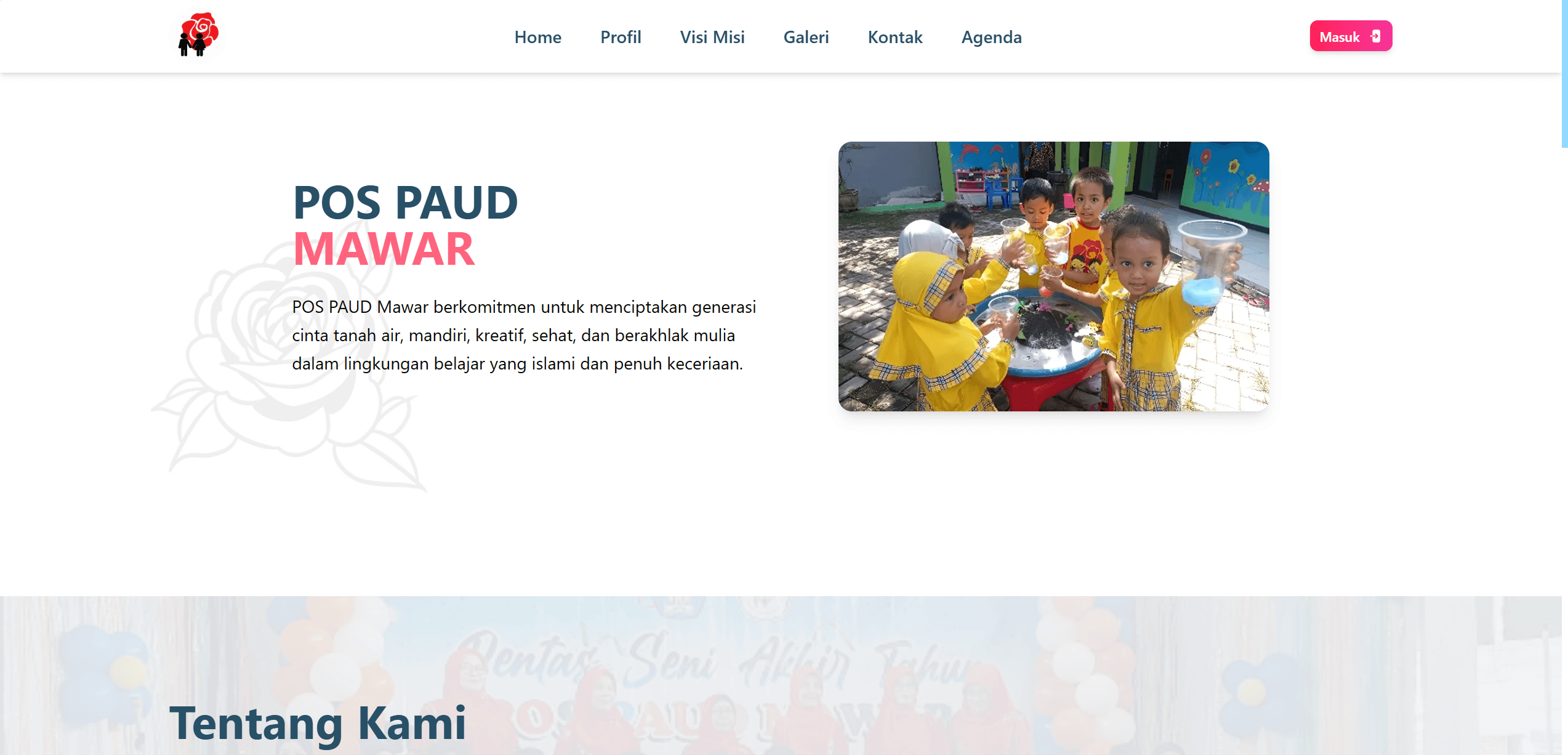
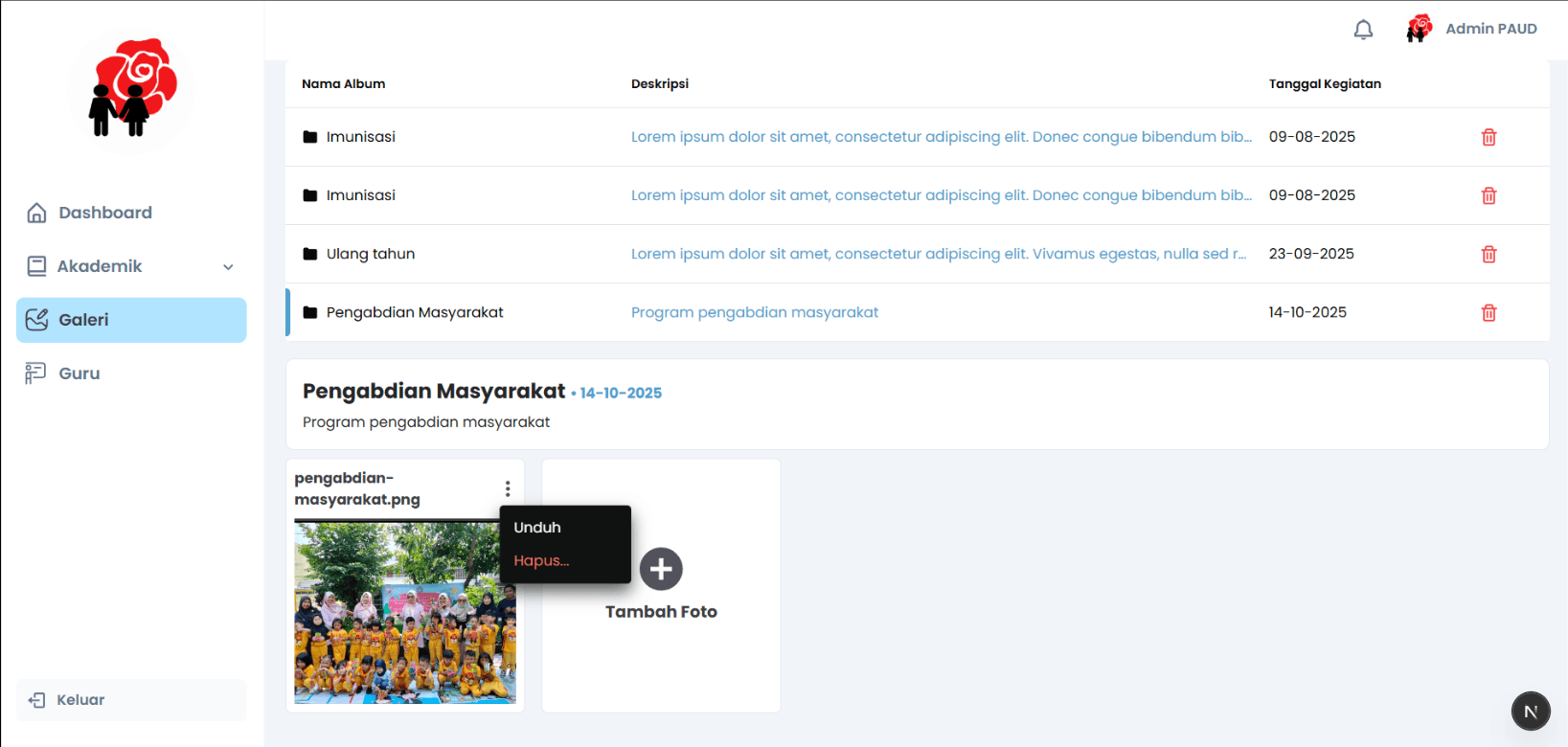
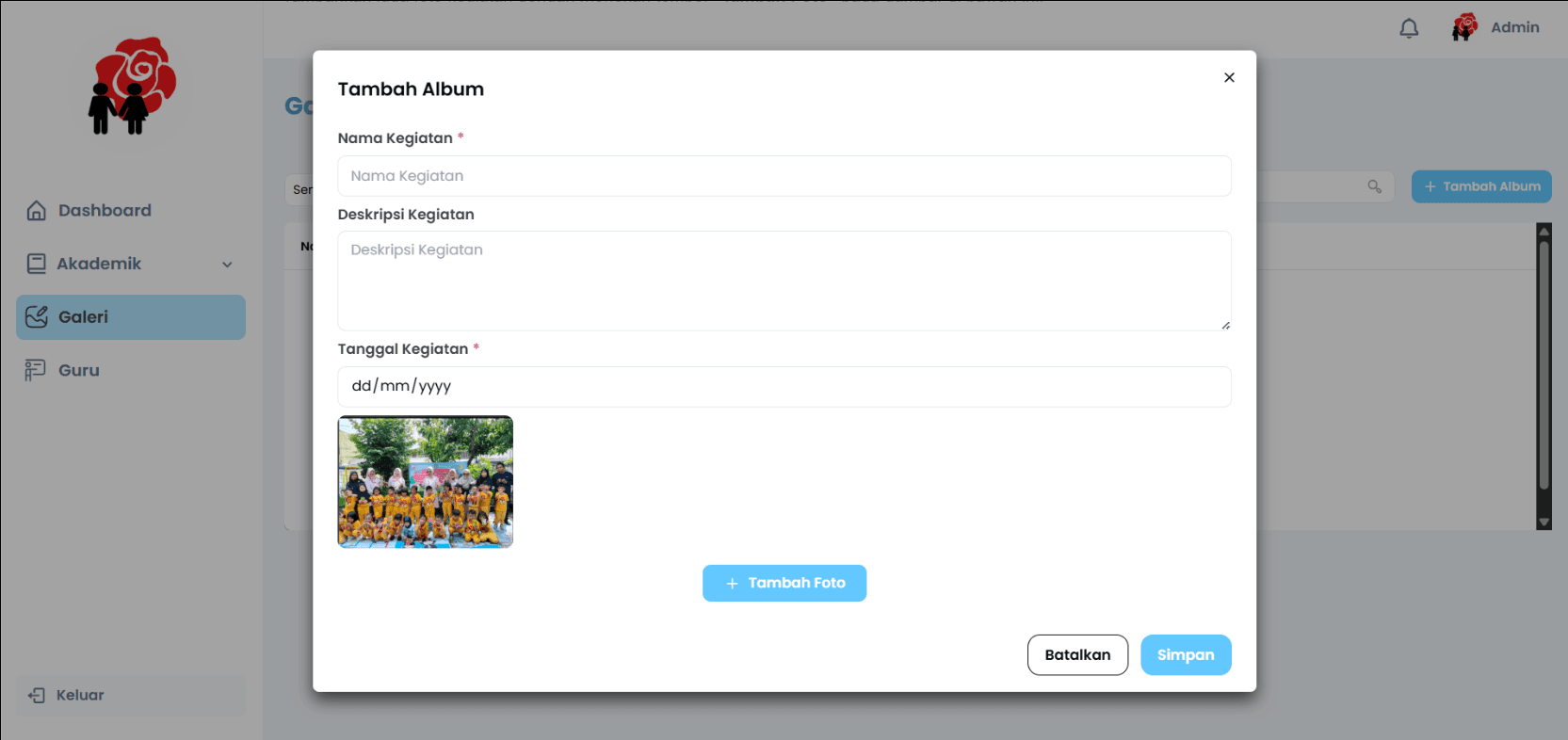
A single admin dashboard that digitizes the school's core records: full create-read-update-delete management for students and alumni, role-based teacher accounts, an activity photo gallery, and a statistics view that gives administrators an at-a-glance overview of the school's data. The public-facing side presents the school and its activities to parents and prospective families.
Architecture
The application is a Next.js and TypeScript app styled with Chakra UI and Tailwind CSS, with MongoDB as the primary data store. Instead of building and paying for dedicated image hosting, the activity gallery integrates with Google Drive — the school uploads photos to a familiar tool, and the system serves them into the gallery. Role-based access separates administrator and teacher capabilities.
- Next.js
- TypeScript
- Chakra UI
- Tailwind CSS
- MongoDB
- Google Drive
Challenges
The main challenge was designing for non-technical end users: school staff who had never used an admin system. That meant ruthlessly simple information architecture, forgiving forms, and choosing the Google Drive integration precisely because it matched a workflow the teachers already knew. Coordinating scope with a project partner and an external stakeholder (the school) within a fixed community-service timeline was its own exercise in prioritization.
Lessons Learned
Building for a real, non-technical client taught me that the best technical solution is the one users actually adopt — familiarity beats sophistication. It also gave me early practice in stakeholder communication: demoing progress to the school, absorbing feedback, and translating it into concrete iterations.