Notes App
Overview
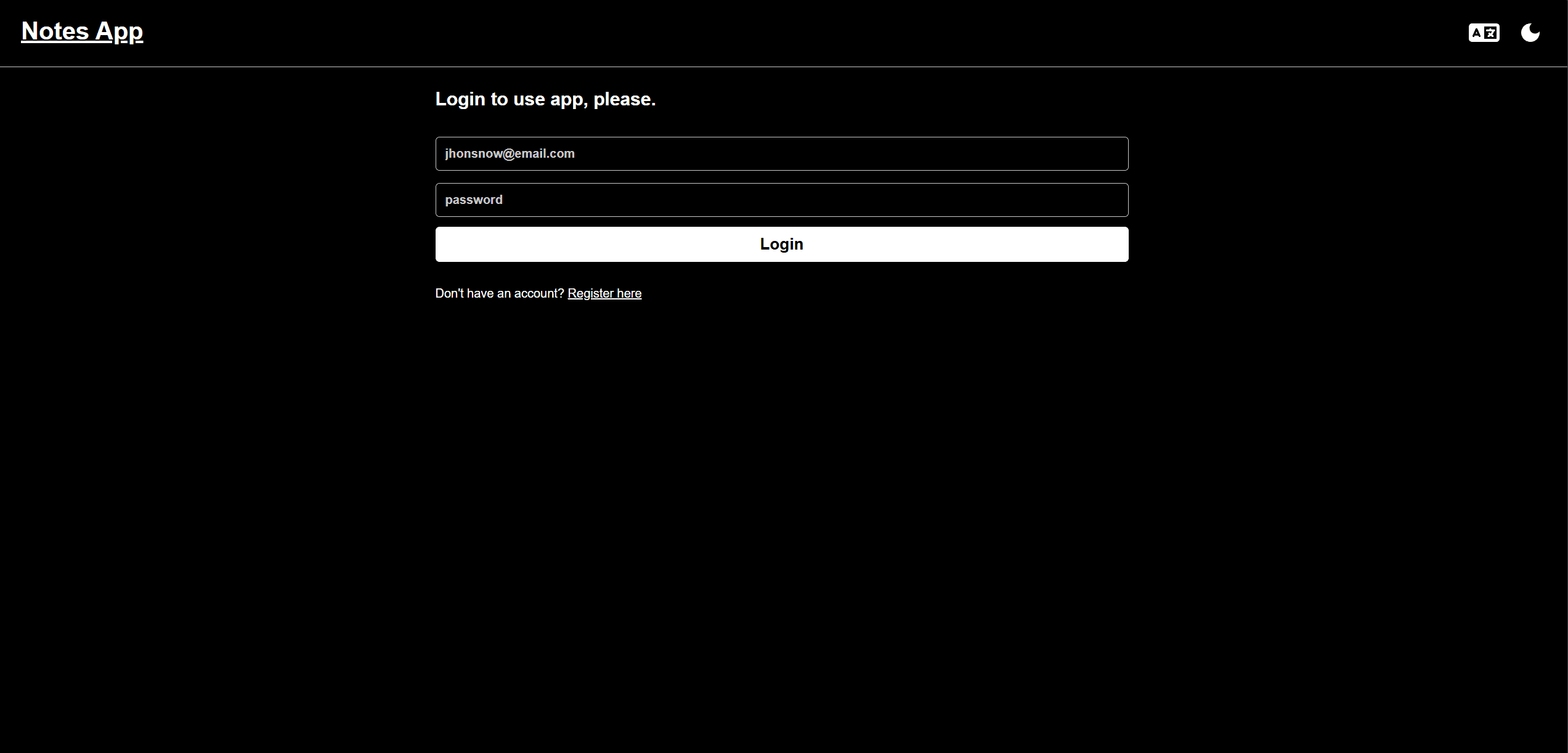
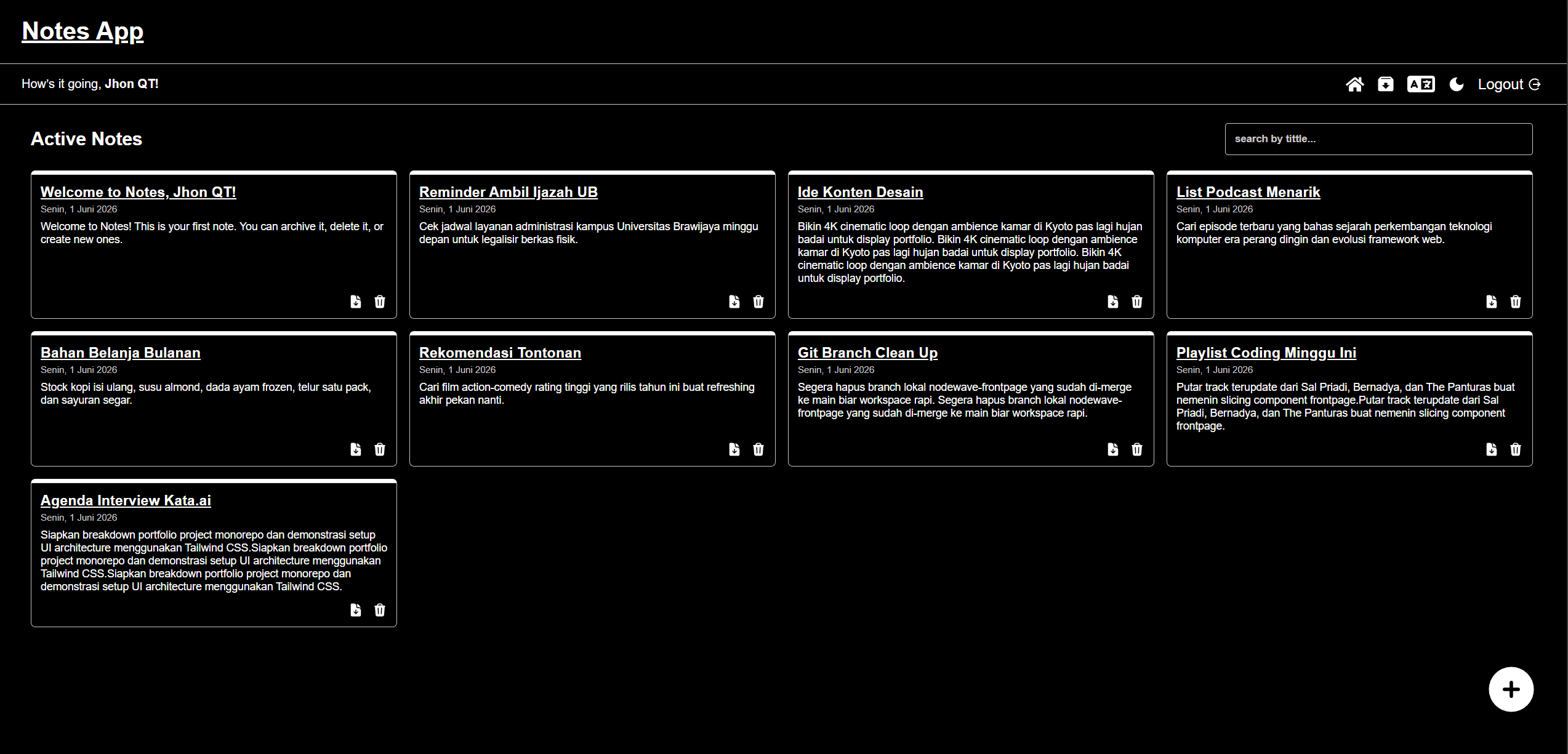
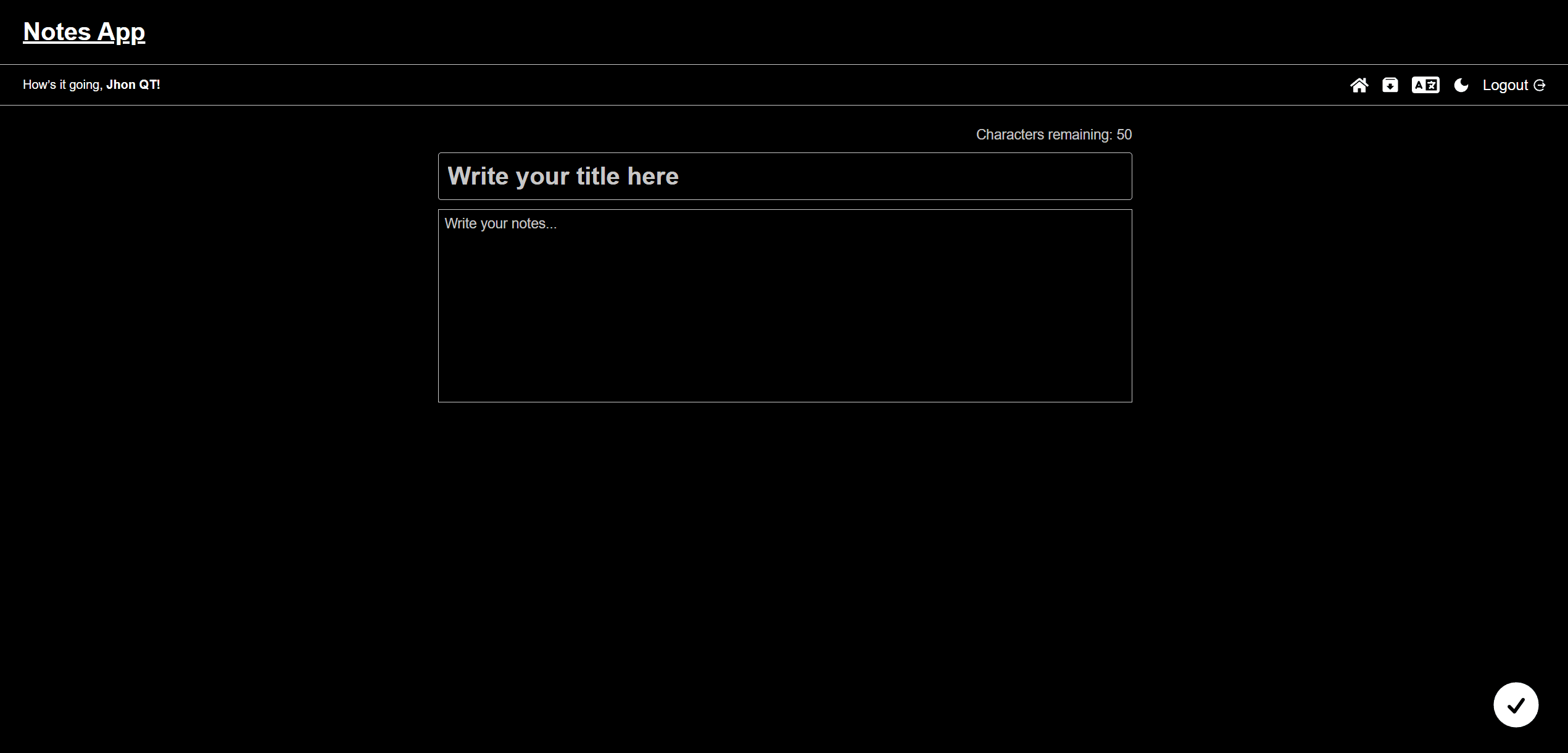
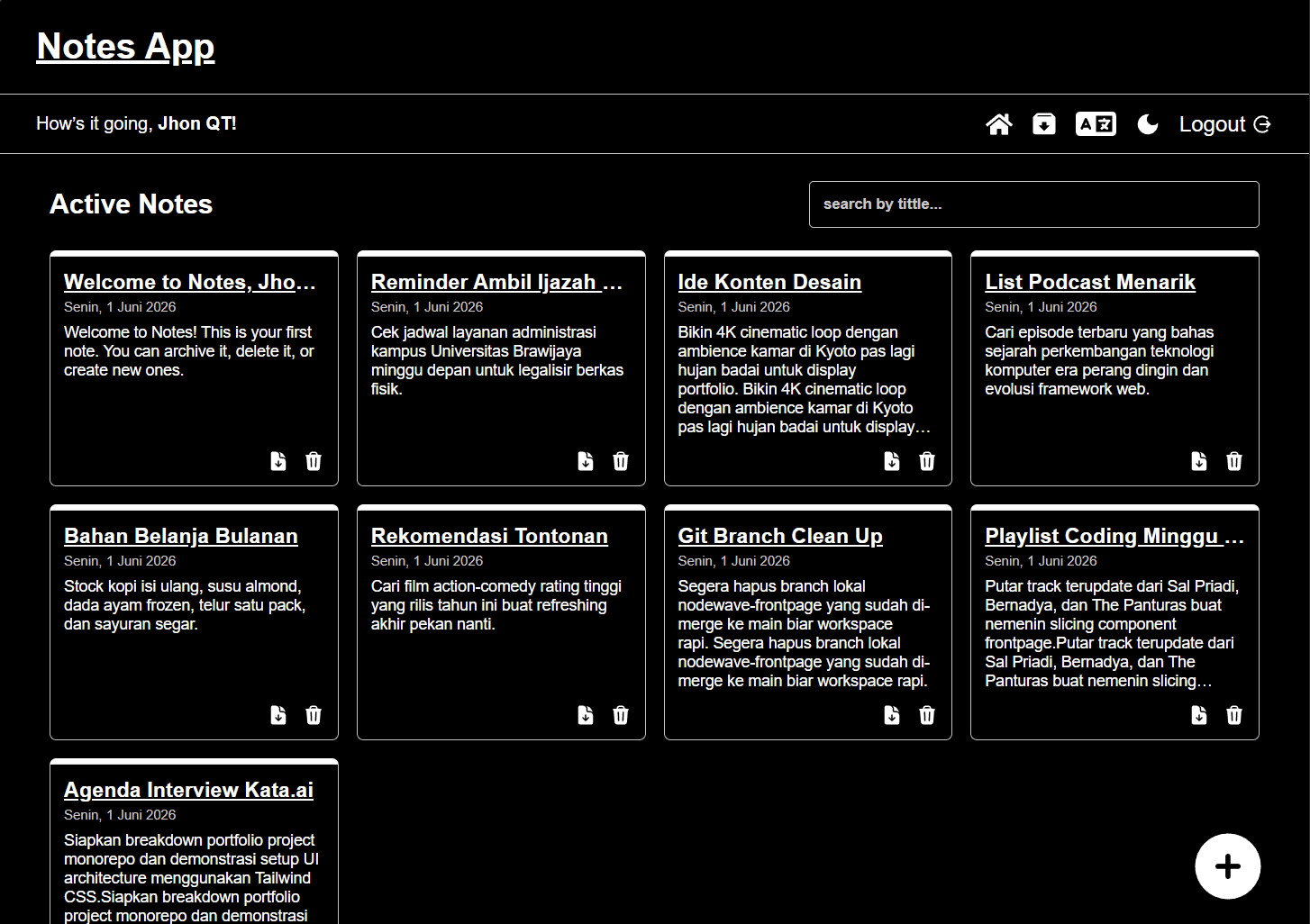
A full-featured notes application built with React and Vite as the final project for Dicoding's React Web Developer course — for students, professionals, and anyone who wants a clean, simple note-taking tool with persistent storage. It supports full CRUD over notes, plus archiving, with REST API integration for data persistence.
Problem
Personal note-taking needs a simple yet functional tool that persists data across sessions. Many existing tools are overly complex for basic note management, burying the core act of writing a note under features most people never touch.
Solution
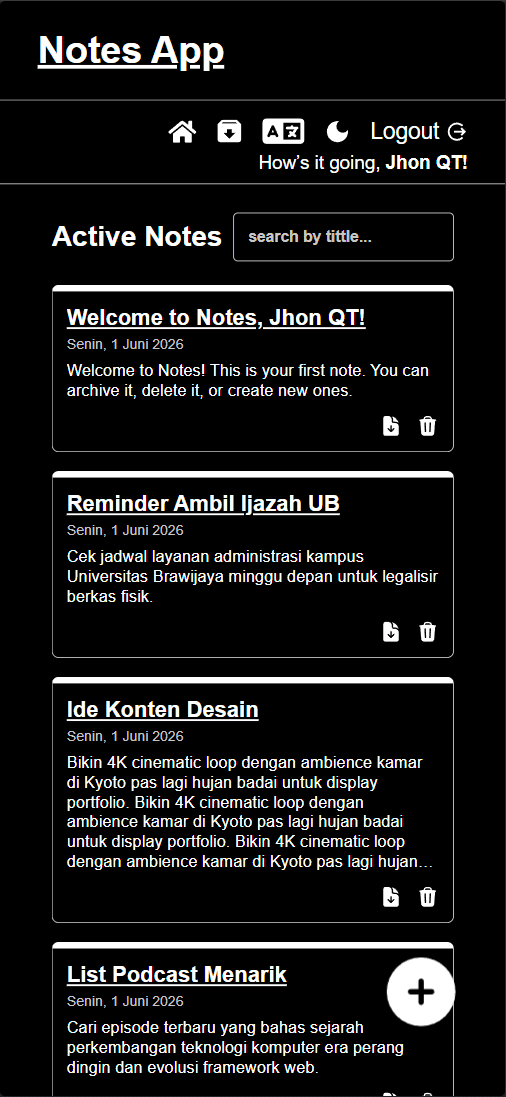
A deliberately minimal interface built around the essentials: create, read, update, delete, and archive notes. A REST API connection persists everything across sessions, and a responsive layout keeps the experience consistent from desktop to mobile.
Architecture
A single-page React application scaffolded with Vite, using component state and React patterns taught in the Dicoding curriculum — controlled forms, lifting state, and clean component decomposition. All persistence flows through Dicoding's REST API, which the app consumes for every CRUD and archive operation. Styling is hand-written CSS, no UI framework.
- React
- JavaScript
- Vite
- CSS
Challenges
The discipline of the course brief was the challenge: implementing complete CRUD flows, loading states, and API error handling correctly using only React fundamentals — no state libraries, no component kits — while keeping the interface feeling clean rather than sparse.
Lessons Learned
This project locked in the React fundamentals everything later was built on: thinking in components, handling asynchronous API calls properly, and structuring state so features like archiving slot in without rewrites. Shipping a complete, working CRUD app end-to-end for the first time is also where development stopped feeling like exercises and started feeling like product work.